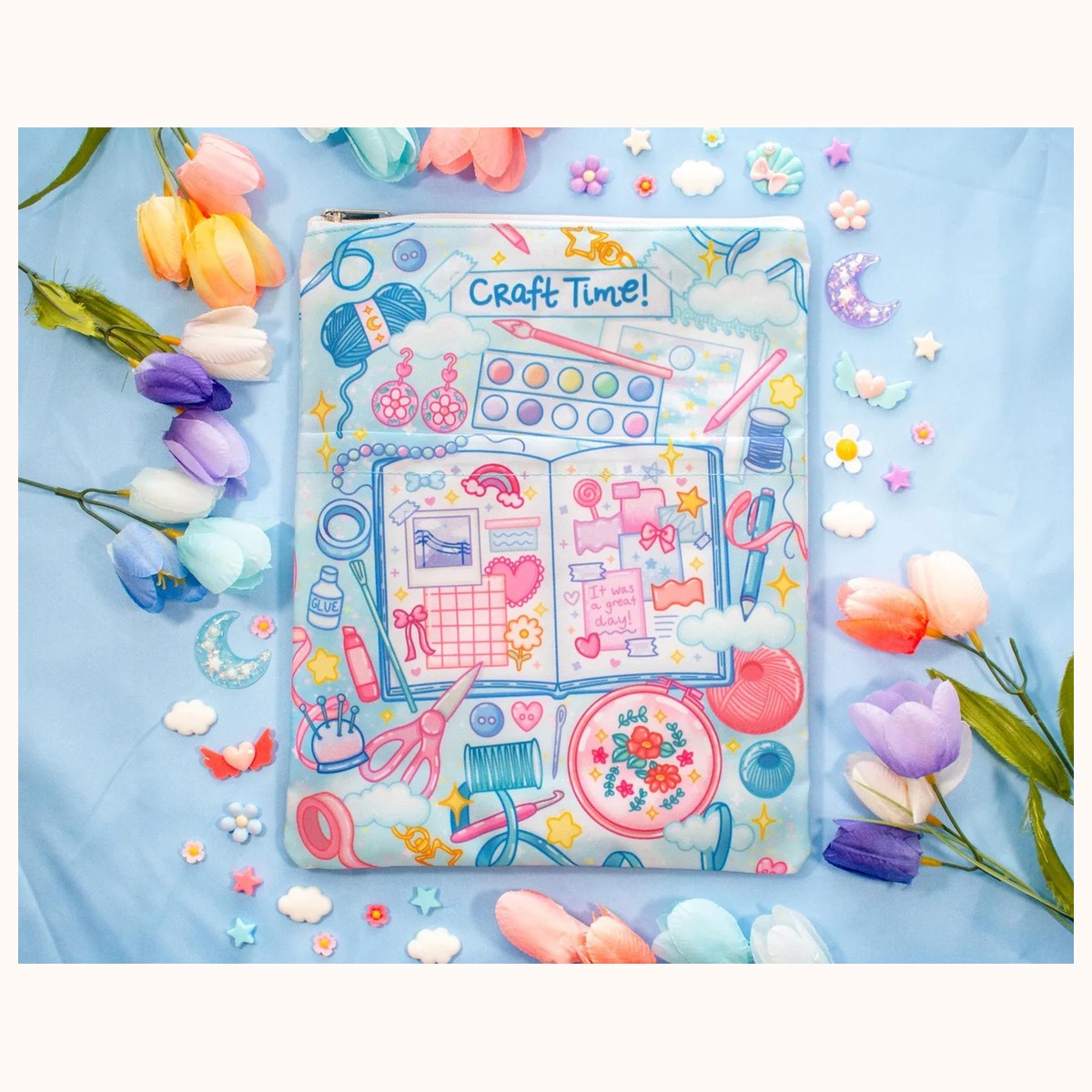

A sleeve can make a book easier to carry and help shield it from everyday scuffs, but only when the fit is right. Book sleeve sizing is less about guessing whether a title is a “standard” paperback and more about measuring the actual item you plan to carry. Editions vary, hardbacks have different depths, and a sleeve that fits a slim novel may struggle with a workbook or tablet.
The dependable approach is simple: measure the closed book, compare those measurements with the sleeve’s usable space, and leave room for padding and easy closure. The same process works for notebooks, journals, e-readers, and tablets, provided you check the product description and the device’s own dimensions before ordering.
What to measure on your book
Close the book completely before measuring. Do not press the covers together so hard that you flatten the pages; measure it as it normally sits when closed. You will need three measurements: width, height, and thickness.
- Width: Measure from the spine edge to the outer page edge. Keep the tape or ruler straight across the front cover.
- Height: Measure from the bottom edge to the top edge of the closed book.
- Thickness: Measure the thickest part of the closed book, including both covers. If the cover has a raised design, jacket, tabs, or a protective plastic layer, include that in the measurement.
Record the results in one unit. Inches are convenient when a listing uses inches; centimeters work just as well if you convert consistently. For example, a book measuring 5.5 inches wide, 8.25 inches high, and 1.2 inches thick should be written as 5.5 × 8.25 × 1.2 inches, not just “about 8 inches.” That complete note prevents a common mistake: matching only the height and overlooking the space needed for width plus thickness.
If the book has a removable dust jacket, decide how you will use it. Measure with the jacket on if it will stay on inside the sleeve. If you usually remove it while reading, measure both ways and choose based on the larger version if you want flexibility. For a book with a fabric cover, elastic band, annotation tabs, or a permanent reading ruler, include those extras when checking the fit.
Also measure anything that will share the sleeve. A bookmark inserted near the spine may add little, while a notebook with a pen loop or a tablet in a separate case can add noticeable depth. When in doubt, make a small stack of the items you intend to carry and measure that stack as one object. This is especially useful if a sleeve will hold a book plus a slim e-reader, though you should not assume a zipper sleeve is designed for a combined load unless the listing indicates it.
How to compare your measurements with a sleeve
Product dimensions and usable interior dimensions are not always the same. A listing may state the overall outside size, which includes seams, padding, and the zipper area. Treat an outside measurement as a reference rather than a promise that every millimeter is available inside.
Start by comparing height and width. The sleeve’s interior needs to be larger than the book in both directions, not merely equal to it. Then account for thickness. A sleeve that is wide and tall enough can still be too shallow once the book is inside.
A practical decision rule is to look for a modest comfort margin:
- For a thin paperback, a little extra room can make insertion and removal easier.
- For a thick hardback, choose more allowance because the spine and covers need space to settle without bending.
- For a book with a jacket, tabs, or a second item, use the combined measurement and allow additional breathing room.
- Avoid a very loose sleeve if the main purpose is to stop the book from shifting, especially when carrying it in a bag.
Do not interpret “snug” as “difficult to close.” The zipper should travel without catching on the book, and you should not need to force the corners into place. If a sleeve is padded, its interior may compress slightly, but it should not rely on heavy pressure to make the book fit. A tight fit can rub corners, strain the zipper, or make the book awkward to remove.
For a concrete catalog example, the Cafe Quest Book Sleeve With Zipper and Pocket is listed at approximately 9 × 12 inches overall and described as suitable for a 7 × 9-inch notebook, books, and an 11-inch iPad Pro model or similarly sized tablets. Those references are useful starting points, not substitutes for your own measurements. If your book is close to the stated example size, compare its actual height, width, and thickness and check how much extra room you need before choosing it.
You can also browse the Book Covers collection to compare available sleeve styles. When two listings look similar, pay attention to whether the description gives an intended item size, an approximate overall sleeve size, or both. That distinction often explains why one sleeve feels more accommodating than another.
Choosing between a close fit and extra room
The best fit depends on what you value: compact carrying, flexibility, or room for accessories. A close fit is sensible when you carry one slim paperback and want the sleeve to stay neat inside a tote or backpack. A little extra room is more useful when you rotate between editions or carry a book with a notebook, loose notes, or a slim bookmark.
Consider these common scenarios before buying:
A paperback for daily commuting
Measure the paperback closed, including its covers. If it is 5.25 × 8 × 0.75 inches, look for a sleeve that can comfortably accept those dimensions rather than selecting solely by the “paperback” label. If the sleeve is much taller than the book, it may still work, but check whether the book will slide around. A pocket can hold a transit card or notes, but avoid filling it so heavily that it presses against the book inside.
A hardback with a dust jacket
Hardbacks are often thicker and less forgiving than paperbacks. Measure with the dust jacket on, then check the thickest point near the spine. If the book is 6.5 × 9.5 × 1.75 inches, a sleeve described for a smaller notebook may close only under pressure. Choose a little extra depth and width, especially if the sleeve has substantial padding or a zipper that curves around the corners.
A journal or planner with extras
A journal may look book-sized but become significantly thicker with stickers, pockets, a pen, or several filled pages. Measure it in its normal closed state after adding the items you keep inside. If the cover bows outward, measure at that widest point. For a changing contents list, favor a sleeve with some spare room and test the closure gently rather than packing it to the limit.
A tablet or e-reader
Use the device’s physical width, height, and depth—not the diagonal screen measurement. The diagonal size does not tell you the full outside dimensions or whether a case will fit. Measure the device with its case attached if you intend to leave the case on. The Game Time Book Sleeve With Zipper and Pocket is listed at approximately 9 × 12 inches and references an 11-inch iPad Pro model and similar tablets; confirm your own device dimensions before treating that as a match.
Troubleshooting fit problems before and after purchase
If your measurement seems larger than the sleeve’s reference size, do not round down. Recheck that the book was closed normally and that you measured the full cover rather than only the pages. Check your units too: centimeters and inches can make a dramatic difference if they are mixed. A quick second measurement with a rigid ruler can reveal a tape measure that was angled around a corner.
If the book fits but the zipper catches, remove any loose bookmark, pen, or paper and try closing the sleeve while holding the book flat. Never pull harder on a stuck zipper. Inspect whether a corner is sitting in the zipper path; if so, the sleeve may be too tight even if the book technically enters. A sleeve that closes only when compressed is a poor long-term fit.
If the book slides around, decide whether the movement is minor or disruptive. A small amount of spare room can make removal easier, but excessive movement may let corners bump against the sides of a bag. You can compare another book of similar dimensions, but do not add bulky padding without checking that the zipper still closes freely. If the sleeve’s description or measurements leave your question unresolved, contact Farouk Book Store through the contact page before purchasing and provide the book’s exact dimensions.
If you are choosing between two sleeves, prioritize the one with clearer sizing information and a little usable allowance over a nominally exact fit. Keep your measurement note and compare it with the listing again at checkout. For a shared sleeve used by several books, measure the largest book you expect to carry and then confirm that the smallest one will not move excessively.
Accurate measuring takes only a few minutes, but it turns an uncertain purchase into a practical decision. Measure the closed item, include its real-world extras, compare all three dimensions, and treat stated sleeve sizes as guidance that still needs checking. With that routine, you can choose a book cover that closes smoothly, travels comfortably, and protects the items you actually use.
Related reading: How to Build a Personalized Gift Bundle · How to Choose Stickers for Journals and Planners · 10 Best Creative Keychains for Thoughtful Gifts